Timesheets built by hand
Chasing spreadsheets and punch cards eats hours every week — and the totals still come out wrong.
One platform for time, attendance and activity monitoring across every shift, role and location — consent-first, and detailed enough that payroll reconciles itself.
Across every team we talk to — remote, hybrid or on-site — the same six problems keep surfacing.
Chasing spreadsheets and punch cards eats hours every week — and the totals still come out wrong.
Once people are remote you're trusting a status dot. Managers can't tell who's working and who's blocked.
Manual clock-ins get gamed and hours get padded. Payroll ends up paying for time nobody worked.
Silent spyware tanks morale and invites legal trouble the moment an employee finds out it's running.
Hours, leave, overtime and breaks live in different tools. Month-end becomes a manual reconciliation nightmare.
When a client or exec asks "what did the team actually ship?", you're left with nothing but a gut feeling.
From first punch-in to payroll export — nothing gets logged twice, nothing falls through the cracks.
One-click Windows desktop agent (macOS + Linux coming). Employees consent on first launch.
Time, attendance, apps and periodic captures roll up on their own. Idle and breaks handled for you.
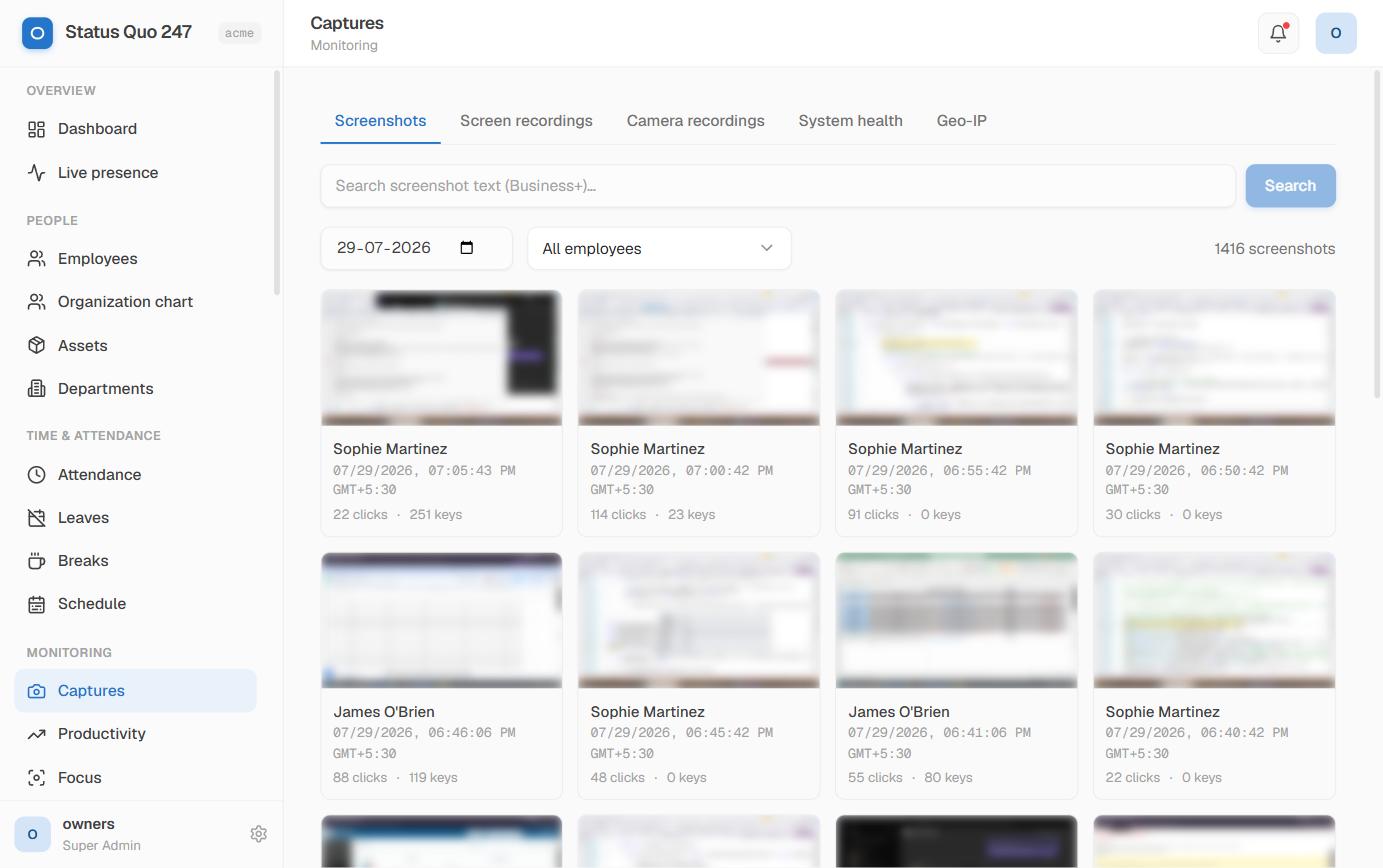
A live presence board and productivity scores show who's working, on break or blocked — at a glance.
Reconciled hours, leave and overtime export to CSV/XLSX — or flow straight through the REST API.
Not a generic HR suite — built around how work actually happens, from the punch-in to the payroll run.
Automatic timesheets and attendance with breaks, idle time, leave and overtime handled — no more manual entry.
Learn more →Periodic screenshots, app history and input signals become a productivity score — with idle detection, never a spyware dump.
Learn more →Per-person, per-team and per-project breakdowns that reconcile themselves and export to CSV, XLSX or your payroll system.
Learn more →A concrete picture for a 50-person team. Most customers make back their subscription in the first month — then the savings compound.
View pricing plans →Status Quo 247 gave us proof of work without turning into spyware. The team knows exactly what's tracked, and payroll finally reconciles itself at month-end.
Straight answers to what shoppers ask us most.
Status Quo 247 is an employee monitoring and workforce accountability platform. It combines automated time tracking, activity monitoring, productivity scoring, live shift presence, and payroll-ready reports in one system that managers actually open. The desktop tracker runs on Windows, macOS and Linux; managers use the web admin panel.
Three practical differences: (1) same-origin architecture so you can self-host or run behind your own reverse proxy without CORS complexity, (2) built-in payroll module that turns tracked shifts into paychecks (not a separate integration), (3) real-time live presence view that refreshes on every heartbeat rather than the 5-minute batched refresh most competitors use. We also lead with India-first pricing (INR + USD) and Razorpay + PayPal support.
Windows, macOS, and Linux. The tracker is a lightweight Tauri app (~15 MB) that stores data locally when offline and syncs when the network returns. Managers and employees use the web admin panel and Employee Self-Service portal, which work in any modern browser.
In most jurisdictions, yes — provided employees are informed and consent per your local labor law. Status Quo 247 ships with granular per-org consent controls, GDPR-compliant defaults, an audit log of every configuration change, and a Data Processing Agreement (DPA) you can sign as controller. We recommend a written policy and a one-time employee acknowledgement; both are supported natively in the platform.
Yes — 14 days, full features, no credit card required. You can invite your whole team, run real shifts, and export data. Add billing only when you want to keep going.
Per-seat, billed monthly or annually. Starter is $6 per seat, Growth is $11 per seat, and Enterprise is custom for volume and multi-org deployments. See the pricing page for the full plan comparison.
Yes. Every employee has an Employee Self-Service portal where they see their own attendance, activity summary, screenshots (if enabled), and payroll. Transparency reduces resistance to adoption and is required in most jurisdictions.
A live walkthrough tailored to your team and setup — no canned slides, just the real software running.