Live presence
Real-time who's-working board with CPU, memory and last-seen, updated over a secure socket.
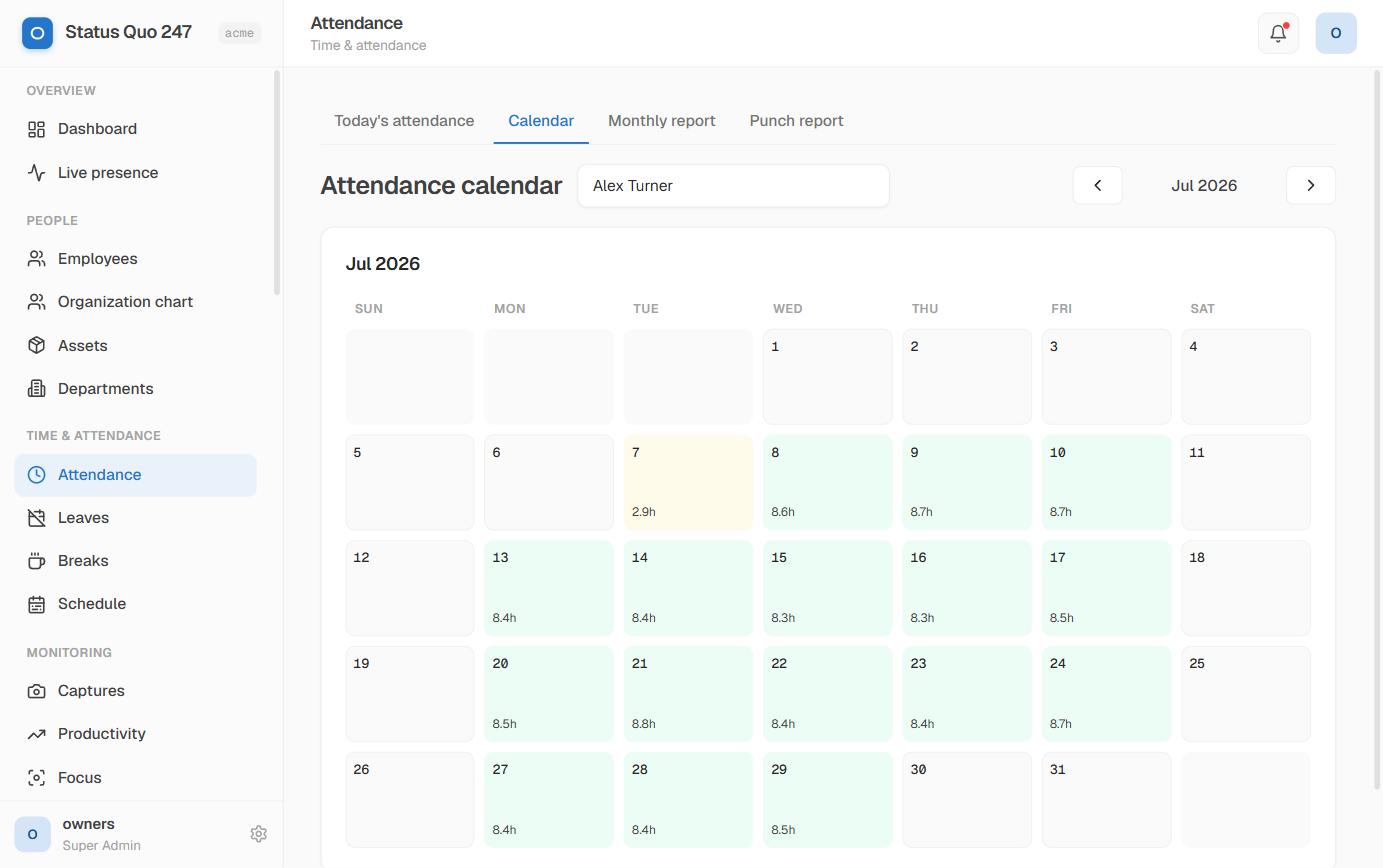
From the first punch-in to the payroll export, Status Quo 247 captures the working day and turns it into numbers your managers can act on.
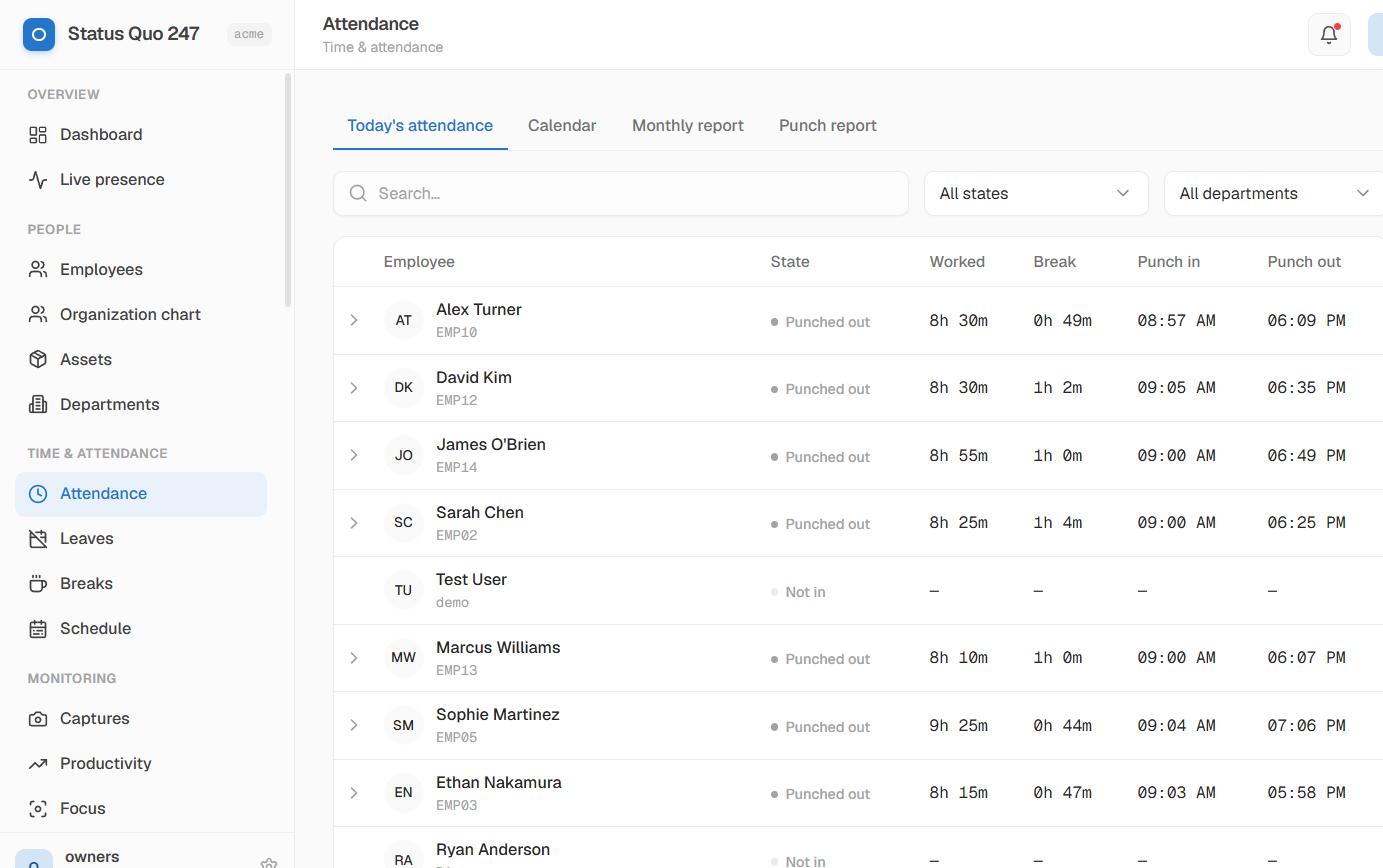
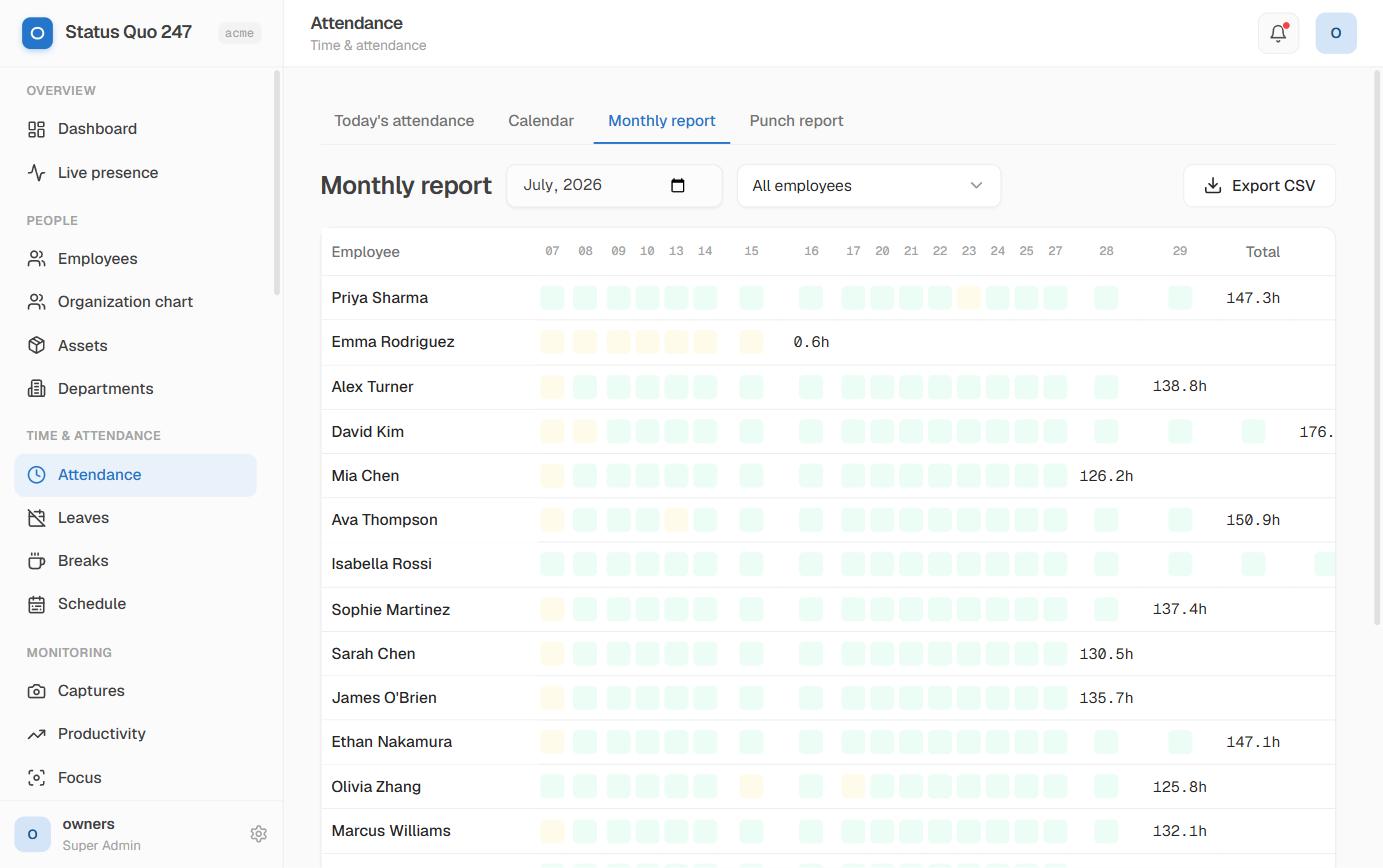
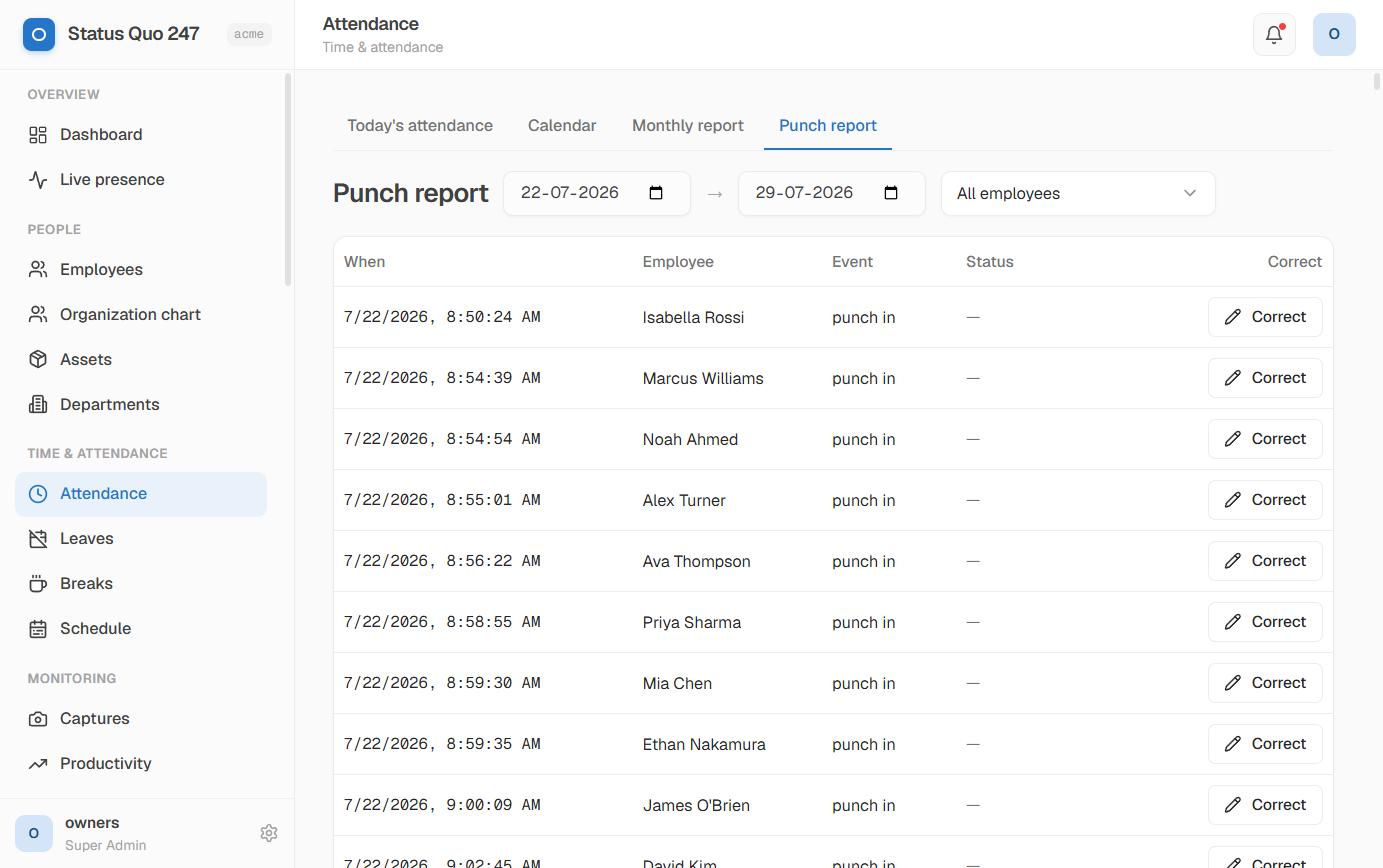
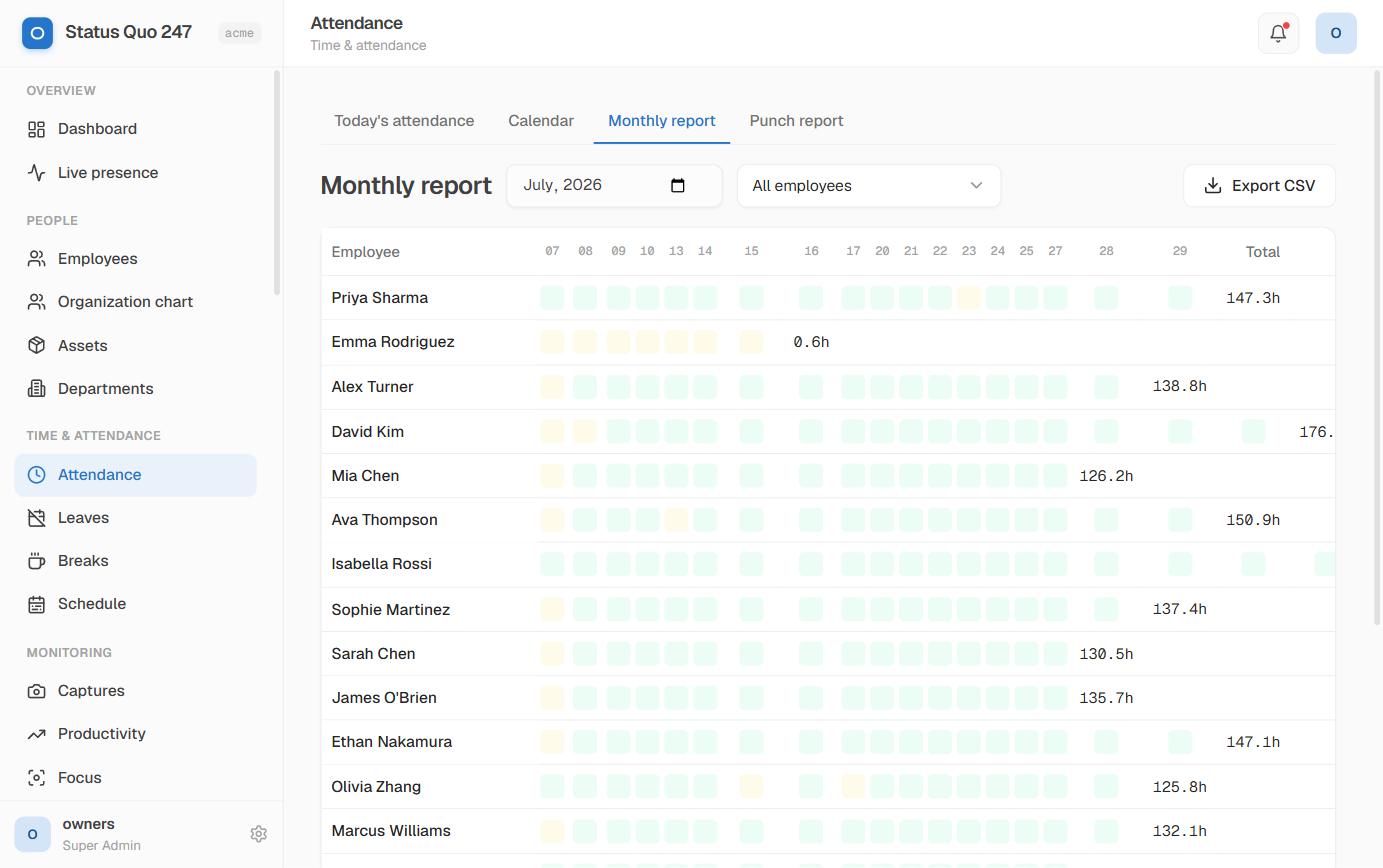
Employees punch in from the desktop client; Status Quo 247 handles breaks, idle time, leave and overtime automatically. Late arrivals are flagged against each person's expected start.
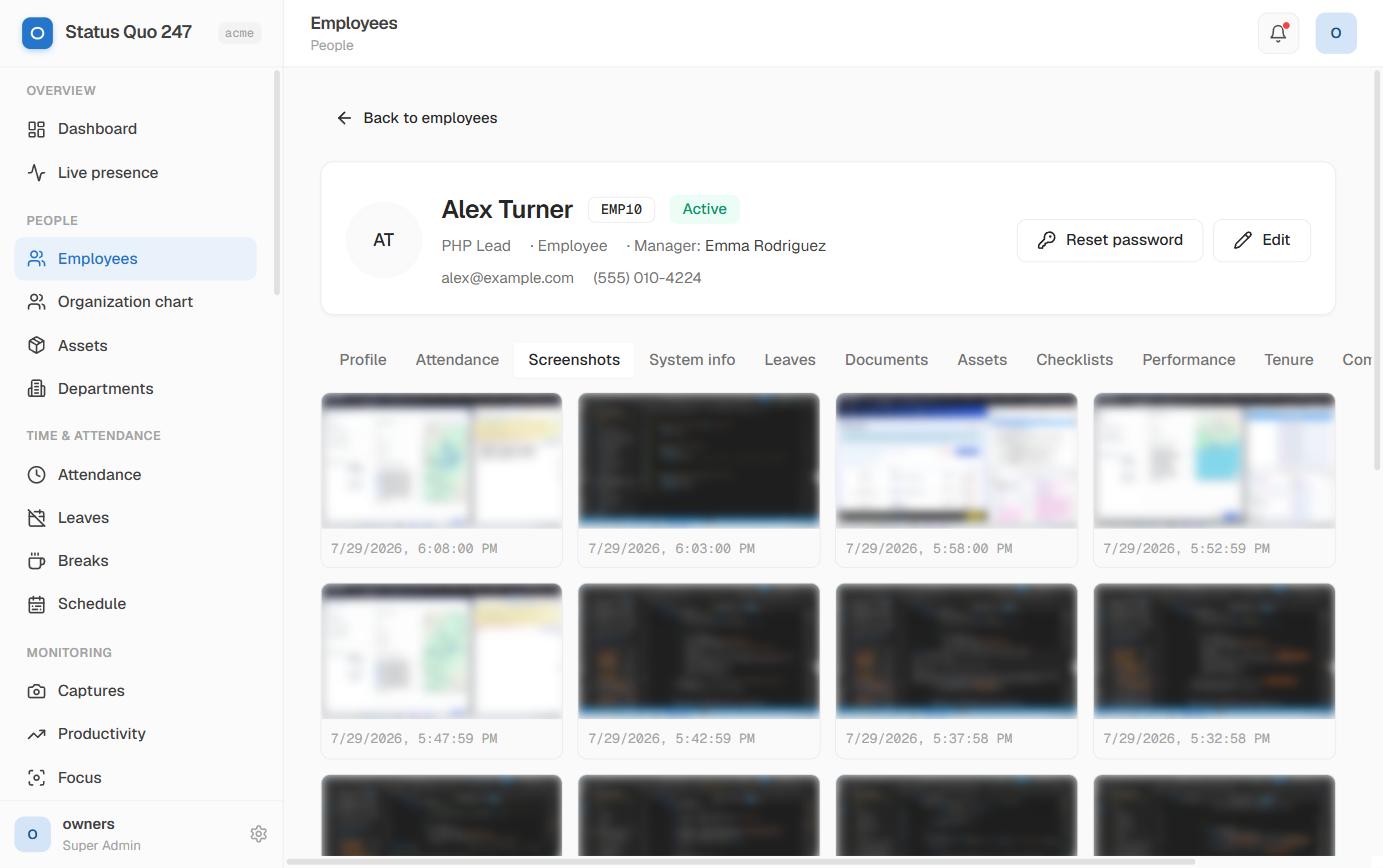
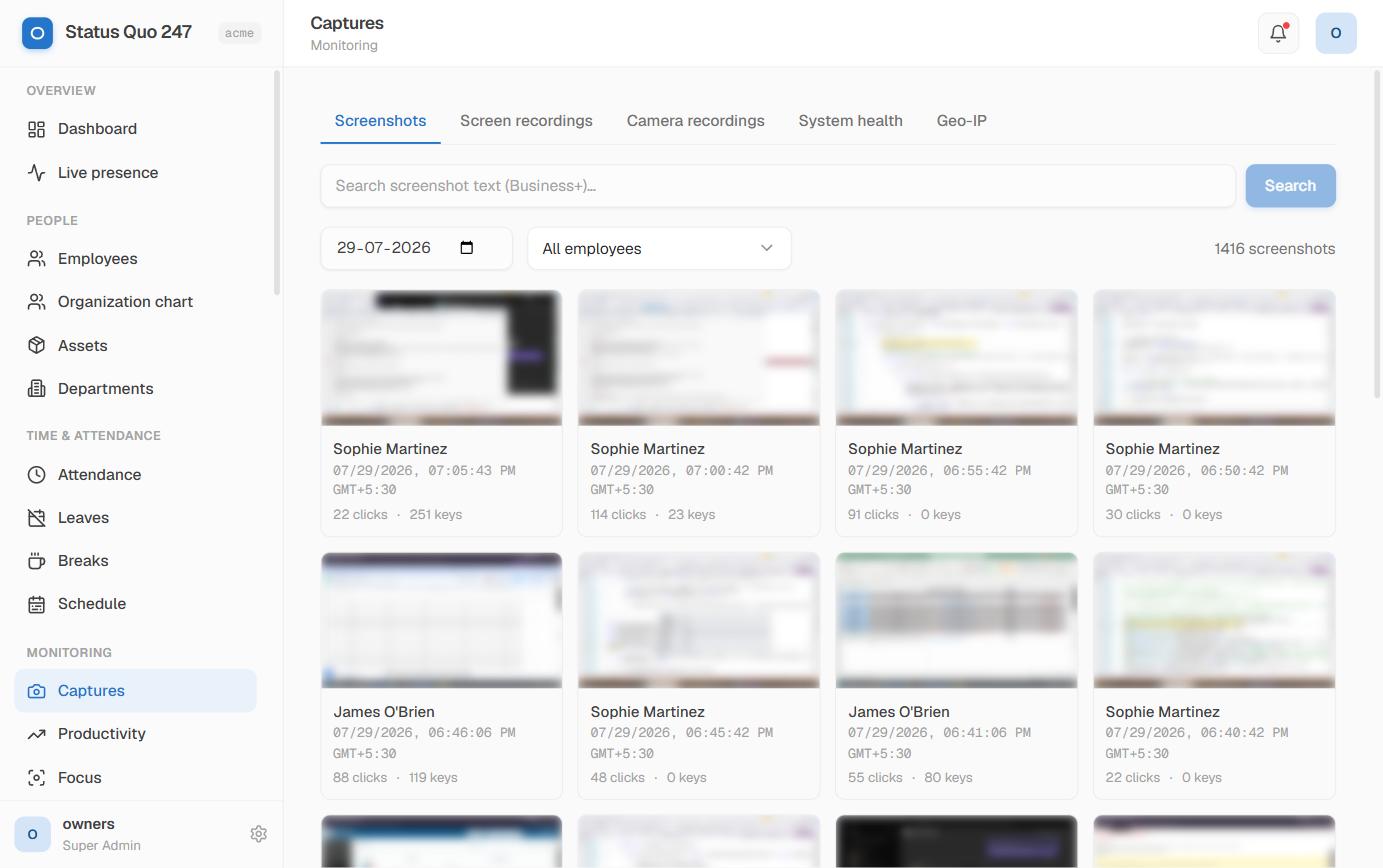
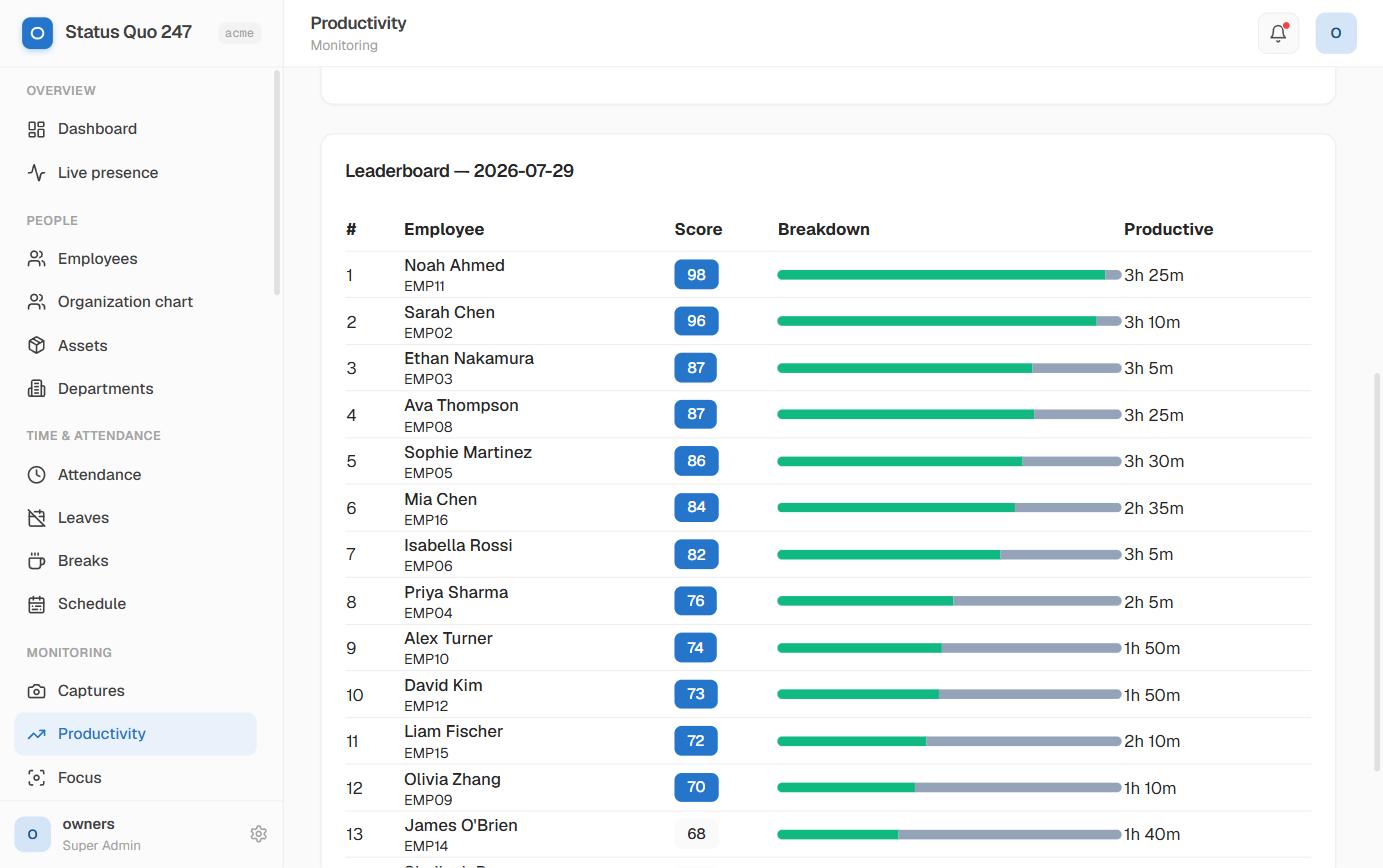
Periodic screenshots, active-window history and input signals roll into a productivity score — with idle detection so coffee breaks don't count against anyone.
Per-person, per-team and per-project breakdowns. Export the monthly matrix to CSV or XLSX, push to payroll, or pull everything through the API.
One platform, every workflow — no bolt-on tools.
Real-time who's-working board with CPU, memory and last-seen, updated over a secure socket.
Separate, on-demand recording libraries with scrub-bar playback — every view audit-logged.
List or Kanban, comments, priorities and progress — tie tracked time to real output.
Eight system roles plus custom, a permissions catalog and an exportable audit trail.
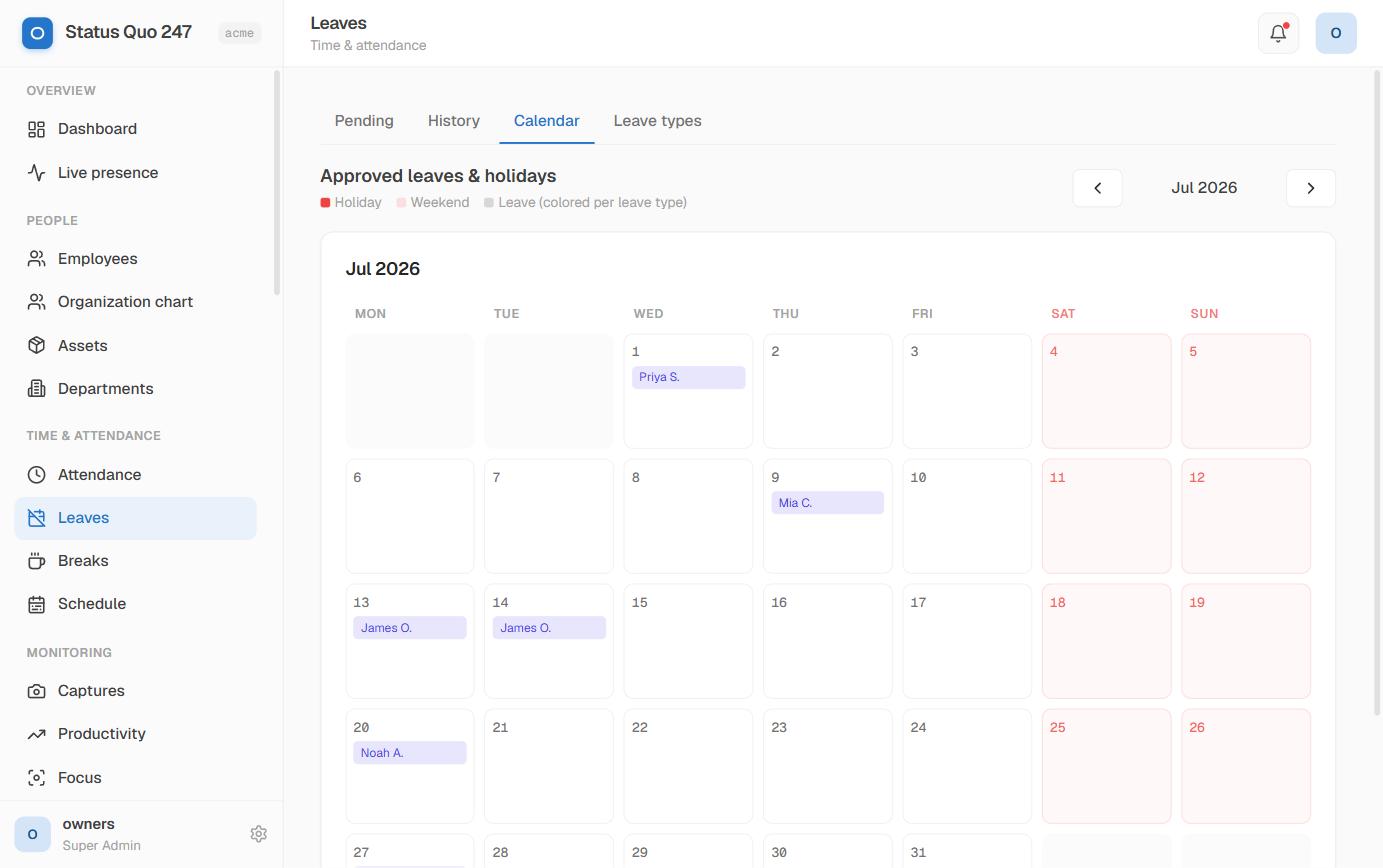
Per-org leave and break types, balances, approval queues and calendars — all configurable.
Company news, shift patterns and holiday calendars keep the whole org in sync.
14-day trial · unlimited seats · no card required.
How the pieces actually work.
Active vs. idle time, application usage, URL visits (in domain form, never the full path or query string by default), keyboard and mouse activity level (never keystrokes), and periodic screenshots at a cadence you configure per org. Every category is toggleable — turn off what you do not need.
Only if you enable it. Screenshots default to OFF at the org level. When on, cadence is configurable (e.g. once every 10 minutes, blurred, or on suspicion signals only). Employees always see their own screenshots in the ESS portal.
You define productive vs. distracting URLs and apps per team. Time in each category feeds a productivity score visible on the manager dashboard. Scoring is a per-team policy — no global "black list" that treats YouTube the same for marketing and engineering.
Yes. Time punches, activity samples, and screenshots buffer locally when the network is down and sync when it returns. Nothing is lost during a WiFi drop or a flight.
Yes. Policies are per-team and inheritable. A field sales team can run with GPS on and screenshots off; an engineering team can run with screenshots on and idle detection tuned for deep-work sessions.
The payroll module is built in, not a third-party integration. Tracked shifts flow directly into payslips, tax declarations, and shift-differential calculations. Multi-currency support (USD + INR at launch), and export to your preferred accounting tool.
The admin panel and Employee Self-Service portal are mobile-responsive. A dedicated mobile app for on-the-go approvals is on the roadmap; today most customers use the responsive web app on their phone.